Draw 3D models with a pen on your tablet. CAD right in the browser.
Make your own 3D models and parts for your 3D printer: sketch, add dimensions, pull into 3D and save as STL. On the iPad with Apple Pencil, on the Samsung Galaxy Tab with S Pen or on your PC, no installation and no CAD experience needed.
14 days of Pro included. No payment details needed.
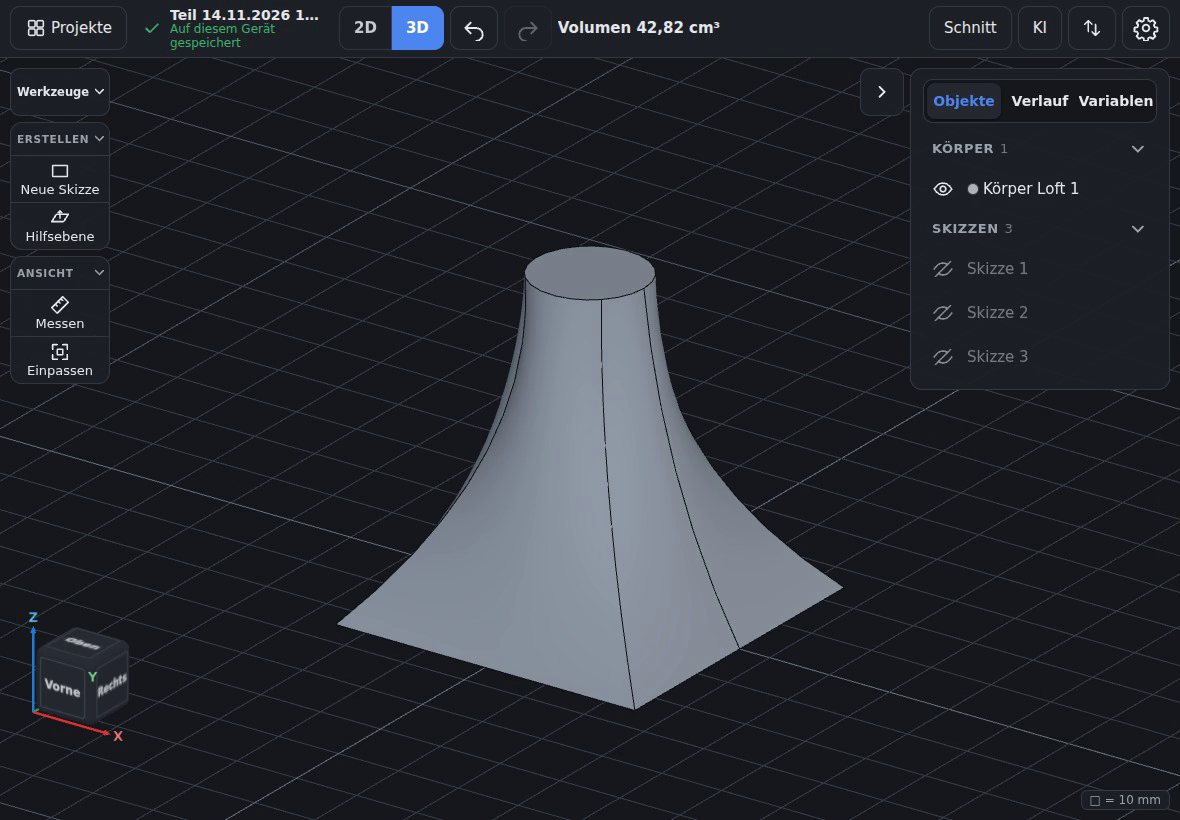
Runs in the browser
iPad, Android tablet or PC: open the address and start, nothing to install.
Offline as a web app
Added to the home screen, PenCAD keeps working without a connection.
Built for the pen
The pen draws and selects, fingers orbit and zoom the view. Dimensions go in on a large keypad, no keyboard needed.
Ready for 3D printing
Export STL and 3MF, with Pro also STEP for other CAD programs. Existing STL, 3MF and STEP files can be imported.
Sketch
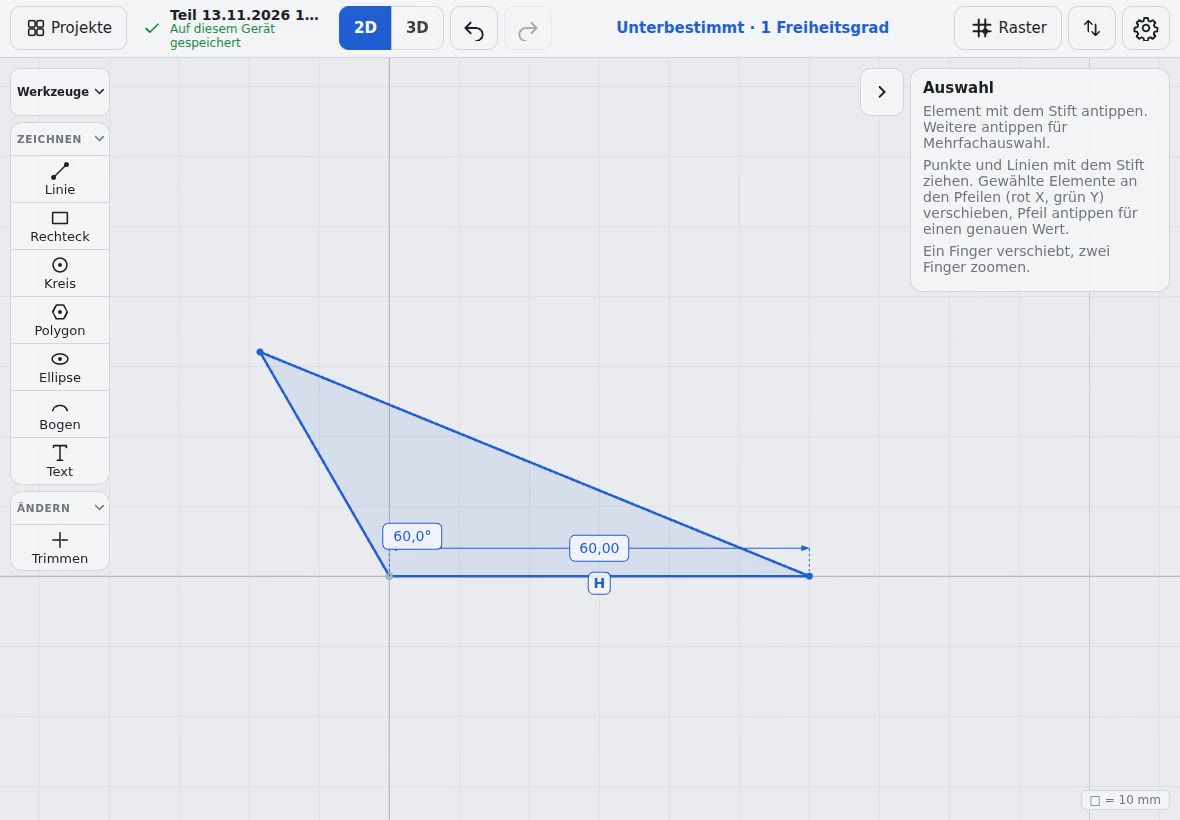
Draw like on paper, precise like CAD
Lines snap while you draw: to endpoints, horizontal, vertical, parallel or tangent. Tap a dimension, enter a value, and the sketch follows.
- Line, rectangle, circle, arc, polygon, ellipse, text
- Colour shows whether the sketch is fully defined
- Variables and formulas for dimensions that belong together
3D
Drag the arrow, and the body is done
Tap a face and drag the arrow: outwards adds, inwards cuts. Every step stays in the history and can be changed later.
- Extrude, revolve, sweep, loft, holes with thread sizes
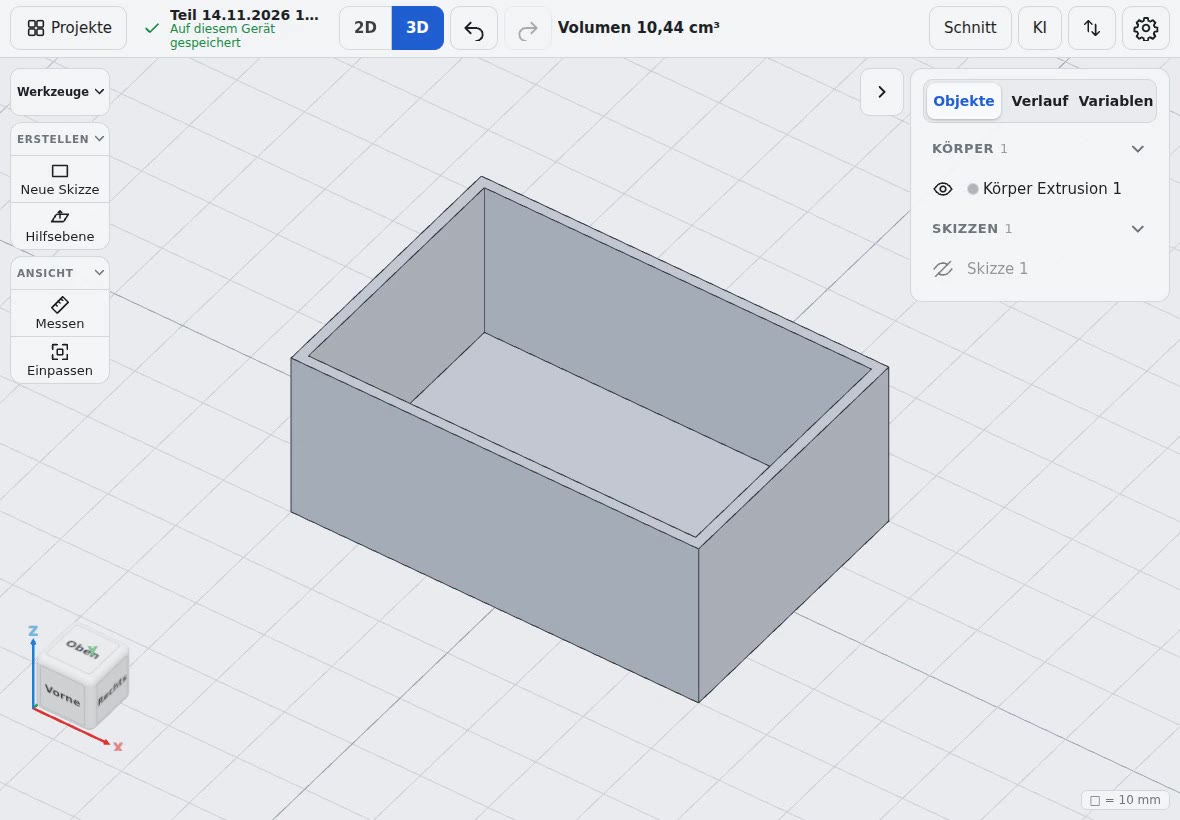
- Fillet, chamfer, shell, draft, pattern, mirror
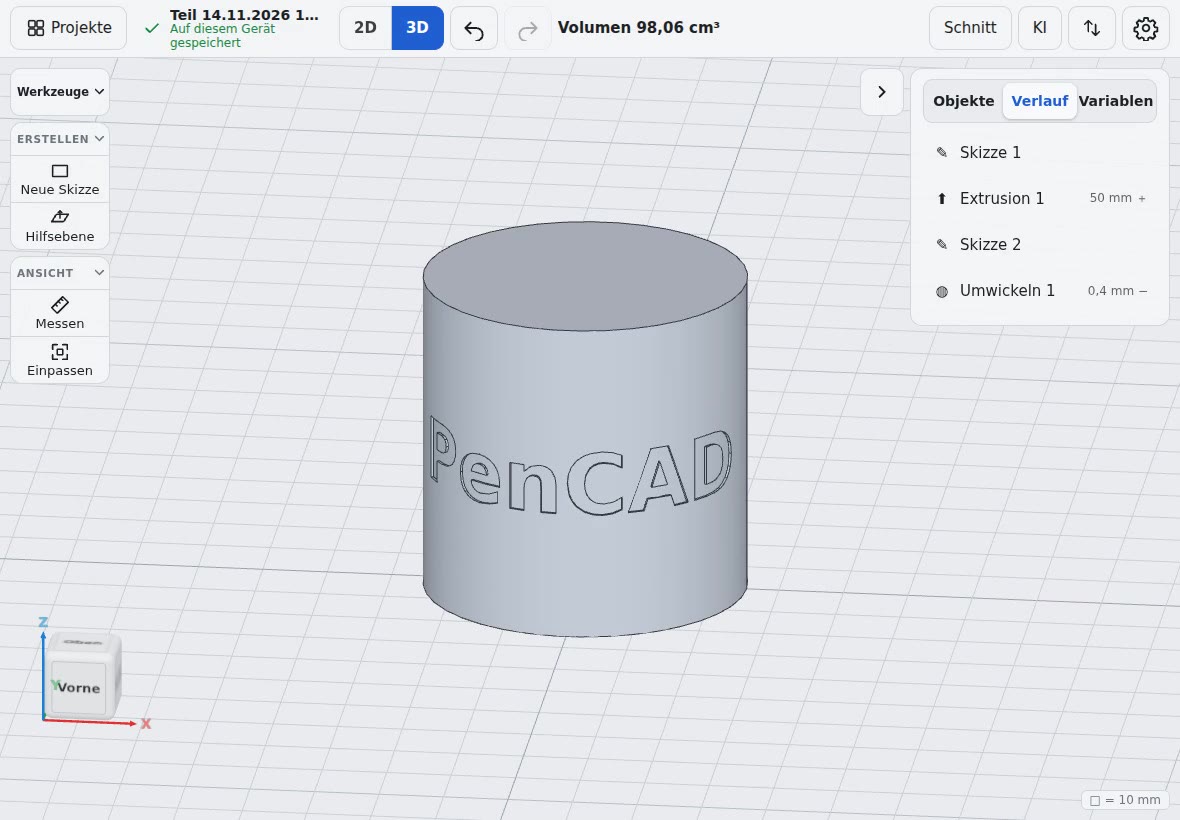
- Wrap or emboss text and shapes on curved faces
And also
Import
STEP, STL, 3MF, OBJ and glTF as bodies; SVG, DXF and images as sketch references.
Measure and section
Measure distances, angles and radii right on the part. The section view shows the inside.
Explainer videos
The main features have a short clip in the app, available offline.
AI assistant
Change parts by description, with your own API key or a local model.
Pricing
Every new account starts with 14 days of Pro (once per email address). After that, continue for free with Free, or stay with Pro.
Free
€0
For trying out and small projects.
- 3 parts
- All design features
- STL and 3MF export in standard quality
- 2 devices
Pro
€99
per year
equals €8.25 per month
45% cheaper than monthly
Or €14.99 per month, cancel monthly.
- Unlimited parts
- All design features
- STL and 3MF export in fine quality
- STEP, DXF, GLB and OBJ export
- 5 devices
Prices in euros, applicable taxes included.
More about PenCAD
Make your own 3D models
For beginners: your first part for the 3D printer, no experience needed.
All features
Sketching, 3D, parametric design, import and export at a glance.
CAD on the iPad
Draw 3D models with Apple Pencil, no App Store, no keyboard.
CAD on an Android tablet
With S Pen on the Galaxy Tab, in Chrome, also offline.
CAD in the browser
No installation, works offline, on any device.
For 3D printing
Design your own parts, from a pen stroke to an STL or 3MF file.
Install as an app
On iPad, Android tablet and PC like an app, also offline.
FAQ
Pricing, devices, data, file formats and cancellation.
Pick up the pen and start
Create an account, draw your first sketch, print your part.